How to Manage Friend Requests
Help the people you work with understand that "Friend Requests" are invitations to connect on a social media platform, primarily Facebook. Many younger people have shifted to other social media platforms, but Facebook is still a popular platform with older adults. Using a friend request on Facebook is a good introductory activity when introducing social media to people. Help them understand the following basic information about friends.
- When someone sends you a friend request, they are asking to see your posts and share theirs with you.
You can accept or decline these requests. You can even unfriend or block people if you no longer want to be connected.
- You need to be careful whom you accept as a "friend" on social media. Connecting with strangers might expose your personal information. It's usually wise to only accept requests from people you know and trust.
It is also important to help people understand how to safeguard against social media scams and efforts to steal their information. Many people have been scammed on Facebook by accepting a "fake" friend request. Before they accept any request:
- Be sure they know the person. They should look beyond the name and profile picture. These can be copied. Try to review their full profile, including other friends. People who are "new to the platform" are less likely to be who they say they are.
- Contact them before accepting. If you receive requests from real friends or family members, call or email them to be sure their friend request is real. Becoming friends on a social platform with real friends and family members is a good first activity for people new to the platform.
- Check to be sure that person is not already your friend. If the request comes from a current friend, you know it is a scam. Call, email, or text that person and let them know their account has likely been hacked.
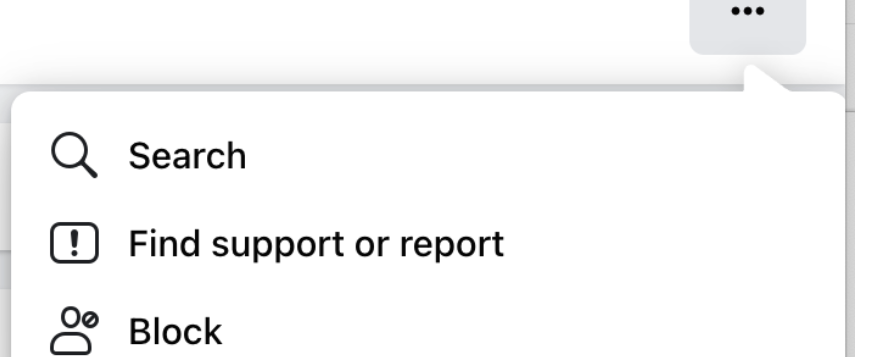
If someone accidentally accepts a fake friend request, have them change their password immediately. Show them how to click on the 3 dots just under confirm or delete request and report the request. You can also block the person who sent the request.