


Privacy Settings
Social media privacy settings are critical because they control what information is shared with others and who can access it. The default privacy settings that most social media companies establish when you create an account are generally very open and need to be adjusted to protect your privacy. It can be difficult to understand privacy settings and how to change them. Your personal security is increased when you restrict access to your personal information. Tightening your settings can help prevent identity theft and other malicious activities when using the platform. Privacy settings also give you control over your content and who you allow to view it.
When you are working with adults, focus on these key points:
- Awareness of Privacy Options: Understanding that privacy settings exist. Knowing where to find them is the first step. Each platform will have different options. It may require you explore the platform before you provide advice. Review your own privacy settings in each platform you currently use to familiarize yourself with where they are located and what changes would make the social media account more secure for older adults.
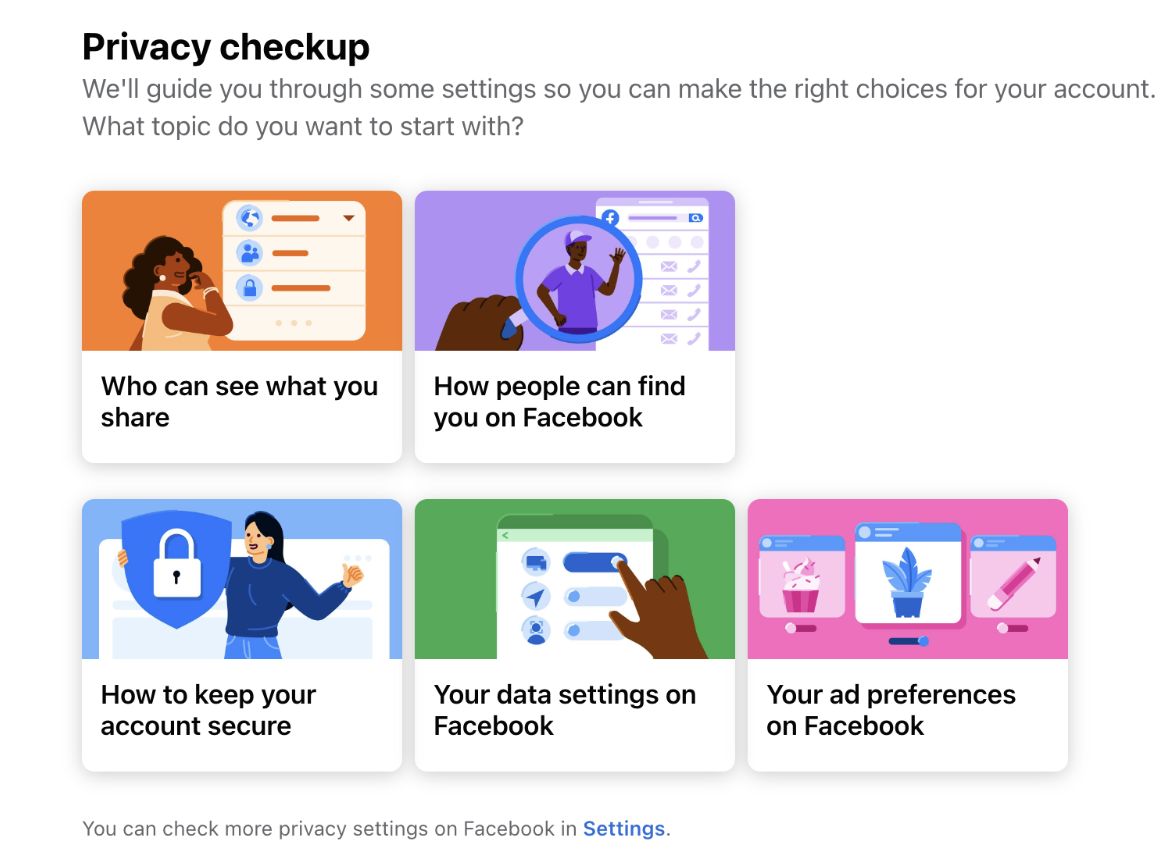
- Customization: Privacy settings can typically be customized to suit individual preferences. Users should know how to adjust these to match their comfort level. Some social media also platforms have privacy checkups that will help the user customize their settings.
- Understanding Connections: Not everyone who sends a friend request or follows you has good intentions. Help those you work with be selective about who they connect with. They should also know how to block or report suspicious accounts.
- Limiting Personal Information: Sharing too much information (like phone numbers, addresses, or financial details) can be risky. Seniors should know what is safe to share and how to restrict access to sensitive information.
- Ongoing Monitoring: Privacy needs may change as platforms often update their policies. Users should know how to regularly review and adjust their settings. Consider holding a social media safety check twice a year to remind people to check their settings.
- Utilizing Trusted Help: You will be part of their trusted help team! If the settings are confusing for the people you are working with, suggest that users seek help from a trusted family member, friend, or YOU!
Social Media Data Privacy Awareness
Watch this short video about Social Media Data Privacy Awareness from Technology Services at the University of Illinois at Urbana Champaign. It prompts you to think more about how your data is being captured and used--even when you don't know it is. Consider the three questions presented at the end as a guide you can share with the adults you work with. This may be a helpful video to share with them.
Three questions to ask before you post:
- Am I OK with this existing forever?
- Am I OK with this being read by anyone?
- Am I OK with this being used to profile who I am?