


APPS
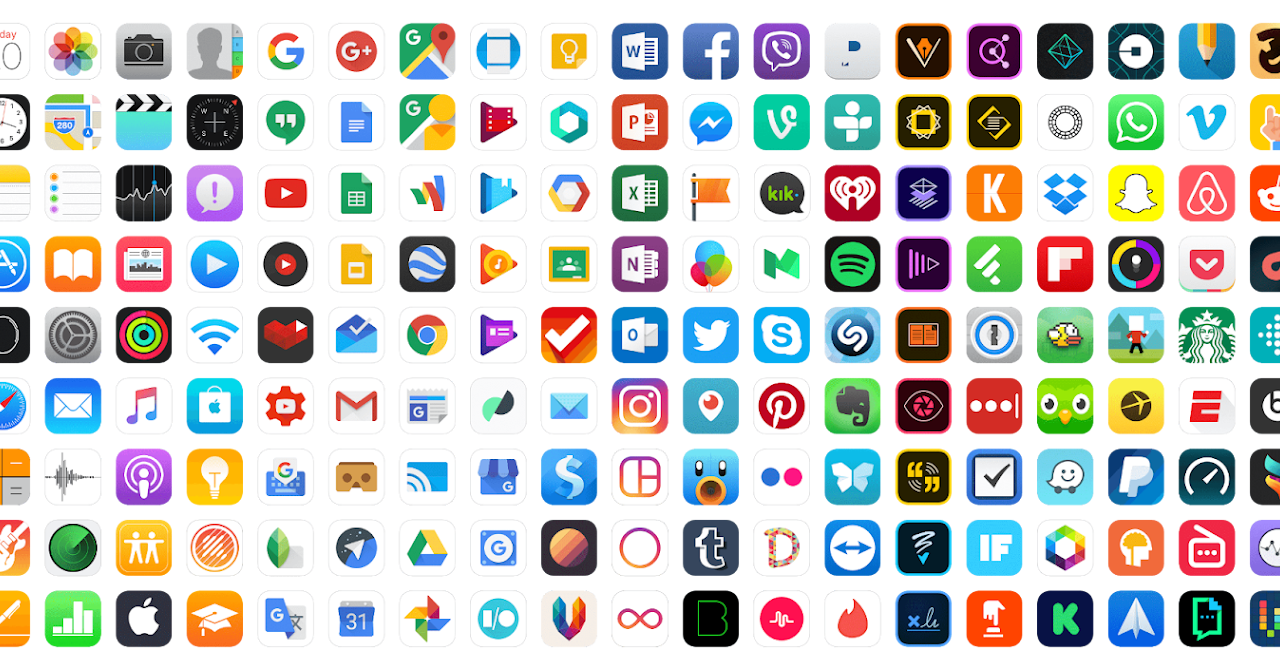
Apps are the applications that make your devices so powerful. They're represented by and accessed through the icons on your device. What do you take for granted about apps that older adults might not understand? What are the skills they might need to find and utilize the best apps on their device?
Apps are not universal.
Apps for iOS (Apple), Android (Google), and Microsoft (Microsoft) do not work on each others' systems. They are specific to that system. Chances are you can find versions of popular apps on multiple operating systems.
You can download some apps such as Microsoft's Word, Excel, or Powerpoint to other devices but those are created specifically for that device's operating system. Another example is iTunes which can be downloaded on other platforms, but again, it is made specifically for that platform.
Use the correct app store.
Hopefully, most of the people you work with will know how to access the appropriate app store for their device. That said, don't be surprised if some do not. Use it as a teachable moment and introduce them to a whole new world of functionality they can download from their app store. You should know how to show others how to access the app stores:
- Apple: Apple App Store
- Android: Google Play Store
- Microsoft: Microsoft App Store
Help participants understand how to be safe when downloading apps. They can do this by reading app reviews and checking the ratings and reviews in the app store before downloading any app. They can also be taught how to recognize trustworthy developers. They can even share developers they trust with friends and family.
Download or install apps.
Users can add additional apps they want on their device at the app store associated with their device's operating system. There are many, many kinds of apps. All users will find something of interest or something useful they can download.
Downloading the app from the appropriate app store will install the app on their device. Apps take up memory, so your older adults have to understand they can't download an unlimited number of apps. Some apps take up a LOT of memory and can limit what they can download.
Suggest older adults that are new to the idea of apps start off with one or two new apps in an area of interest until they get comfortable with the process.
Your participants should understand apps can be free, paid, or freemium.
- Free apps: Many businesses create apps for their customers that are free to use. You can also find lots of free gaming apps but they usually have ads in them that users are required to watch.
- Paid apps: Apps that users can purchase and use ad-free. Games that are free but have ads, usually offer the opportunity to purchase a paid version.
- Subscription apps: Some apps offer a subscription purchase. Examples include brain-training games, music apps, streaming apps, and others. Be sure your participants know that subscription apps will continue to charge them periodically.
Manage notifications.
Notifications are the alerts or messages from apps that appear on the screen. Some notifications also include sounds or buzzing. Notifications can appear when the screen is locked or unlocked. A common notification is the small numbers by the app symbol that indicate a message from the app. Many people want to know how to get rid of those numbers! Others find some notifications helpful.
You should understand the different types of notifications on both iPhones and Android phones and how they can be managed in settings. Notifications also occur on most tablets and some applications on laptops. You may receive requests to help with those notifications, as well.
Delete or Disable Apps
Organizing apps on the home screen was addressed in the previous Smart Device Basics. Your participants should know they can delete an app that is no longer useful or just isn't what they wanted. Deleting an app also deletes all of the data controlled by that app on the phone, like their login information for that app. Their account won't go away, but their device won't remember their login information for that app any longer.
It is possible to accidentally delete apps. Honest, it happens. People who struggle with tapping versus pressing can accidentally initiate the delete sequence, especially on an iPhone. Android phones include an extra step requiring clicking on a confirmation pop-up window, but some people might get confused by the window and click OK. Some people may accidentally move an app to a different screen rather than completely deleting it. You can show adults how to use the Search function on their device to find apps–both installed and not.
Some apps are part of the operating system and cannot be deleted. On Android devices, some system apps can be disabled rather than deleted. This essentially limits their functionality and they will no longer be automatically updated.
REFLECT: You will find many app lists online for older adults. Do a search for apps for seniors or other older adults and review some of the articles. Do realize that some are produced by companies that want your business. Create a list of apps that you think you could recommend to seniors or others and the process they might go through to find, review, install, and manage notifications for that app. This could become your one pager for this section on smartphones.