


Making Calls on Your Smartphone
You know, sometimes people actually use their phones to call other people! While it seems common knowledge, be sure the people you work with know how to make and answer a call. You may want to focus on which calls to answer and managing their voicemail. Refer to Module 3: Digital Citizenship for safety tips on answering calls.
Show your participants how they can create a contact for the people that call them often. This can often be done using a past or recent call log. They can add as little or as much information they want to the contact, including a picture they might recognize. That can truly distinguish someone they know and trust from someone who might be pretending to be a contact.
Some people may also want to set up blocking of unknown users or simply ignore calls that are not in their contacts. This can cause a problem for users when people call and they are not in their contacts, however. A typical example is when a nurse from a doctor's office calls but uses a different number from the main office number and is sent straight to voicemail. If they want to set up call blocking, be sure to tell them to be careful if they are expecting a call from a medical professional. They may want to turn off call blocking temporarily or just take a chance answering the call.
Another strategy for blocking unknown callers is to set up the phone on the Do Not Call Registry. Check with your supervisor before you mention it. This will filter out spam and nuisance calls but will not filter out calls from friends or doctor's offices. To set up a phone on a the do not call list:
- Explain to the individual what it is. You should only suggest it if they are getting a lot of spam calls or if they are worried about fraud.
- Go to the National Do Not Call Registry
- Click on Register Your Phone
- If you want to be sure they have not already put their phone on the Do Not Call Registry, you can click verify. If not, click Register Your Phone.
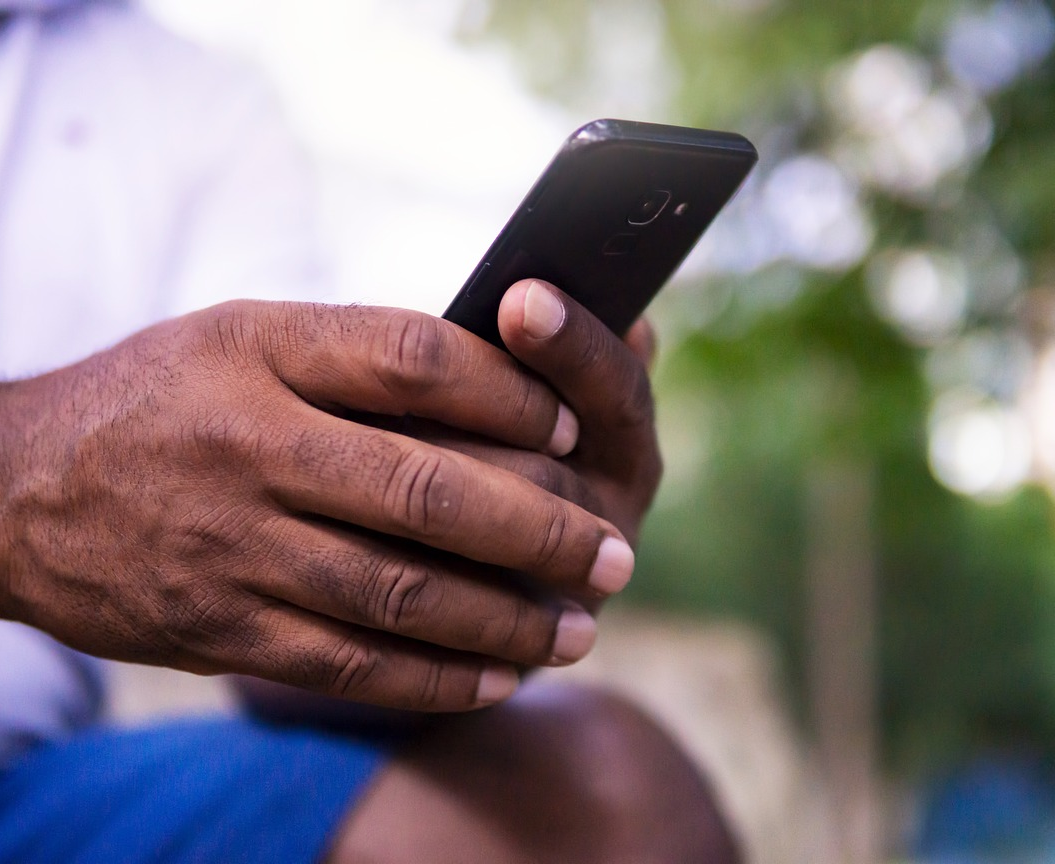
It's amazing how many people do not set up their voicemail box. Using voicemail is one strategy for ensuring only the people you trust get through when calling. If it's not set up, you can miss important calls. You may need to help some older adults set up their voicemail box with a short message. Be sure they do not include personal information in their message that can help spammers or cybercriminals confirm their identity.
Some people will need direction on deleting voice mails AND emptying their deleted mails. Knowing that there are multiple steps to delete voicemails will help them when friends begin to tell them that their mailbox is full. Often, they will have to delete the voicemail and then actually empty the deleted messages.
Many carriers retain some voicemails and users may not realize it. For instance, Verizon says: “If your Voicemail is still full after completing the steps above, dial *86 from your iPhone and follow prompts to delete any saved voicemail messages.”