


Protecting Your Smartphone
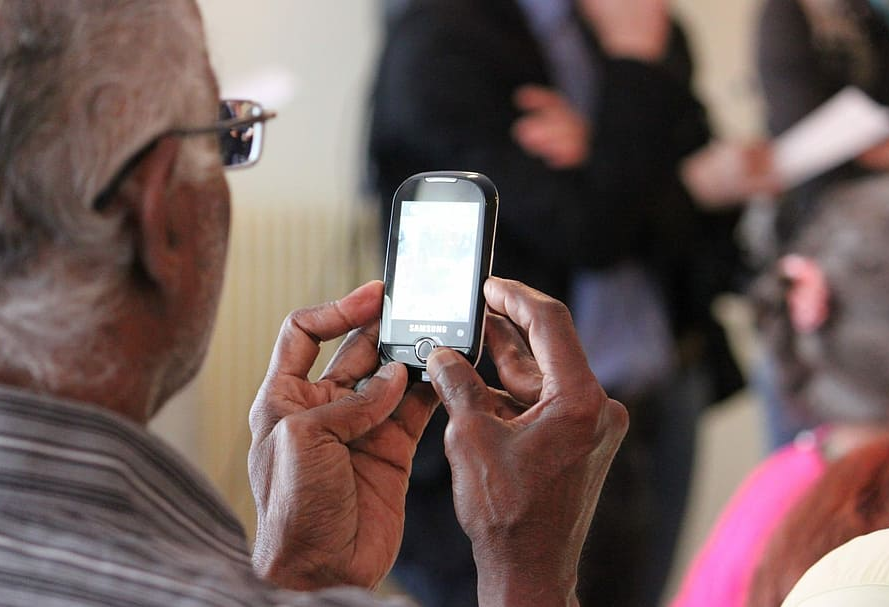
Check with the people you're working with about how they are keeping their smart device physically safe and secure.
- Do they store it in a safe, protected place where others can't access it?
- Do they have a case?
- Do they need a protector?
- How will they tell whose device is whose if they are similar or look alike?
- Do they have a strong PIN or passcode?
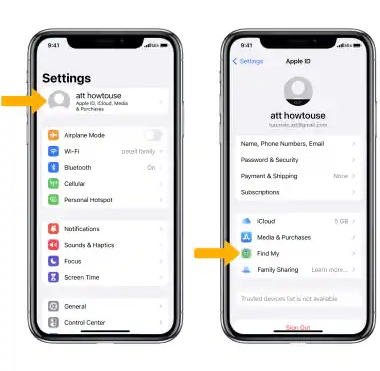
Apple, Android, and Windows-based devices offer the Find My feature. This feature is available on devices such iPads, other tablets, earbuds, laptops, and more. Functions vary, but Find My might be able to play a sound when someone is looking for a misplaced device. They can also set up notifications when a device is inadvertently left behind.
If lost or misplaced, FindMy can display the location of a device on a map. The device has to be charged, on, and connected to the Internet. Otherwise it displays the last location where it is connected to the Internet. These apps may also be able to lock or erase lost devices. Hopefully, you won't have to show someone how to do that.
Some of the people you work with may not know about this feature or how to set it up. Determine if the people you are working with want help setting up the Find My feature on their devices. It can help them find their device if they lose it or misplace it, even when you're not around to help.
Find My on iOS | Mac | Android | Windows
https://www.att.com/devicehowtomedia/image/iphonex/os16/9006165_01.jpg