


Staying safe & troubleshooting
Talk to your participants about safety and privacy. Demonstrate how meeting links work. They should only join meetings with people they know or organizations they trust. If they have any experiences that make them feel uncomfortable in a web conference they should End it immediately.
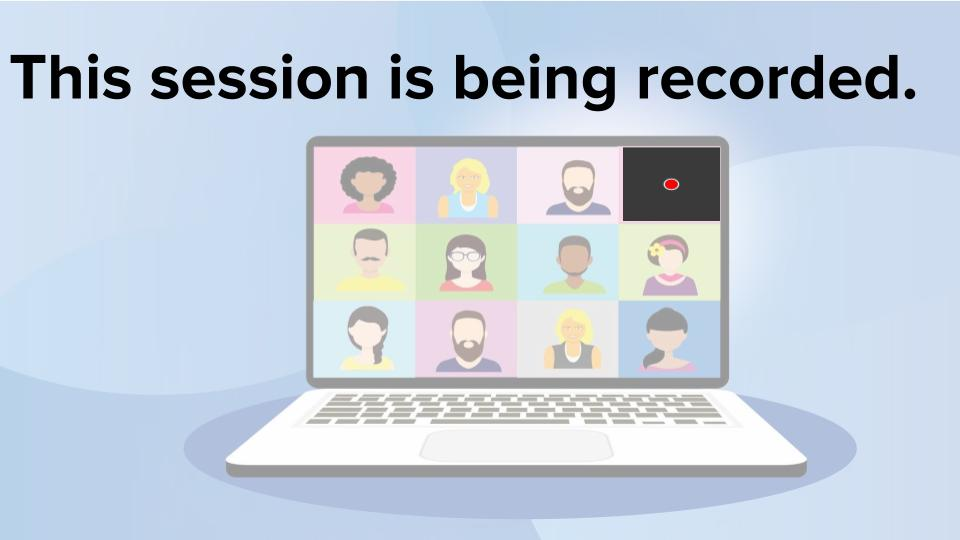
Let your participants know that web conferencing sessions can be recorded. Sometimes this can be helpful so that information is documented correctly. Recordings can serve as mementos for family celebrations. Recordings can also be used as follow-up tutorials after sessions held by web conferencing. At other times, recording is not acceptable.
Web-conferencing hosts should warn people that they are being recorded. Some services, like Zoom, now require participants to agree to being recorded by clicking on an acceptance button. If you don't want to be recorded in a large web conference meeting they still want to attend, they can turn their camera off and mute their microphone. If they registered as themself, their name may be recorded.
Emphasize the importance of keeping their web-conferencing apps updated. Updates address known security issues. Many web-conferencing solutions will force updates the next time they log in after the update has been released.