Filtering Your Search
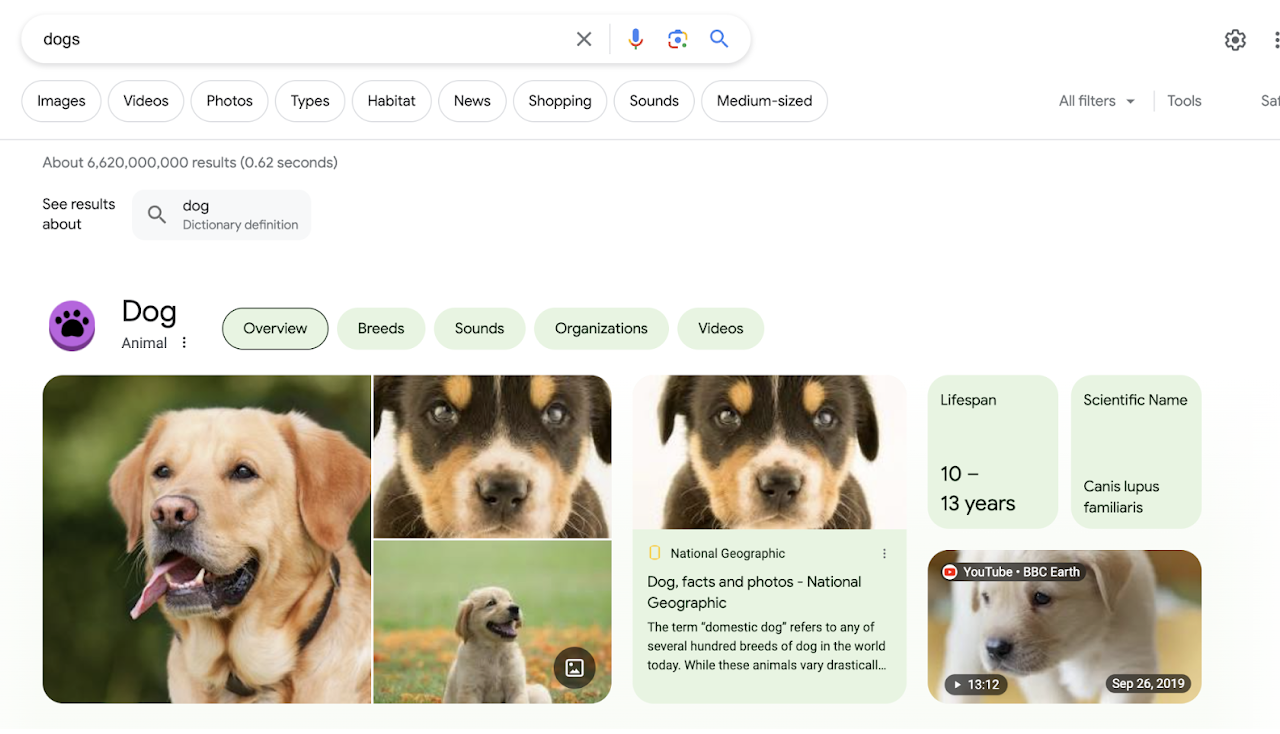
You can filter the found items from your search to find more detailed information or media. Conduct a search for either cats or dogs. You will see filters that appear beneath the search box when the search results are returned. The filters change based on what you are searching for. In the first row under the Omnibox, you can filter by images, videos, photos, and specific information on types of dogs--even sounds!
If you look further down the returned items, just above the picture, you will see that you have additional filters, such as breeds, organizations, and more. What you search for determines the filters that are presented. These filters help narrow down information quickly and easily. For more help on filtering searches, refer to the playlists shared earlier.