


Troubleshooting Connection Problems

Sometimes you can follow the directions perfectly and a device still doesn't connect to a network or the Internet. Become familiar with common reasons why a device might not connect. Consider the following:
- Was the password entered correctly? Case matters. Is the caps lock key on?
- Has the person turned off WiFi on the device?
- Has the device connected to a different network?
- Is airplane mode turned on? Airplane mode turns off wireless connections on a device. You should know how to turn it off and on for different devices.
- Where is the router? Are you too far away?
- Does the device have any physical damage?
- Some older laptops have a physical switch that must be turned on to use WiFi.
- Have you tried restarting the device?
- Do the drivers need to be updated for your network adapter?Using network settings, you can try to "Forget" a network, restart, and then try to reconnect again.
- Is there a virus or other malware on the device that is impacting performance? Can you run an anti-virus check?
- If you can connect to a network but can't access the Internet, is the router connected? Should the router be restarted?
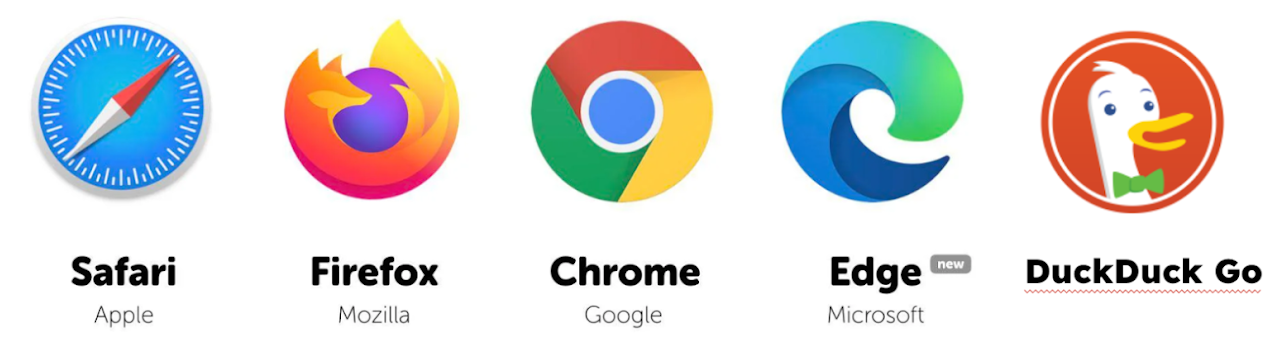
You probably already know that a web browser is a software application used to locate, retrieve, and present content on the Internet. Don't be surprised if some older adults do not know this.
Because your participants will be using a variety of devices, they will also be using a variety of browsers. Some popular browsers include (you do not need to :
- Google Chrome: Known for its speed and simplicity, Chrome is one of the most widely used browsers.
- Apple Safari:If you're using an Apple device, Safari is the default browser. It is known for its efficiency and integration with Apple products. Google is the default search engine for Safari.
- Microsoft Edge:Microsoft's latest browser offers various features, including integration with other Microsoft services. Bing is the search engine that powers Edge.
- Duck, Duck Go: Duck, Duck Go is marketed as a safe browser. It does not retain your search information but it may be susceptible to trackers from Microsoft. It is still an option for people concerned about security and privacy. It searches 400 resources but not Google.
- Firefox: This open-source browser may also be called Mozilla Firefox after the company that developed it. Firefox releases security updates frequently to help protect user privacy by blocking cookies and trackers. Google is the default search engine for Firefox.
These links are for you to use if needed as you work with adults. It is not necessary to read through each article but you might want to click on them just to check them out.Default browsers can be changed on devices